The tutor
Upload the prompt alongside your objectives list and the tutor starts teaching right away. There are no setup questions and no menu to work through.
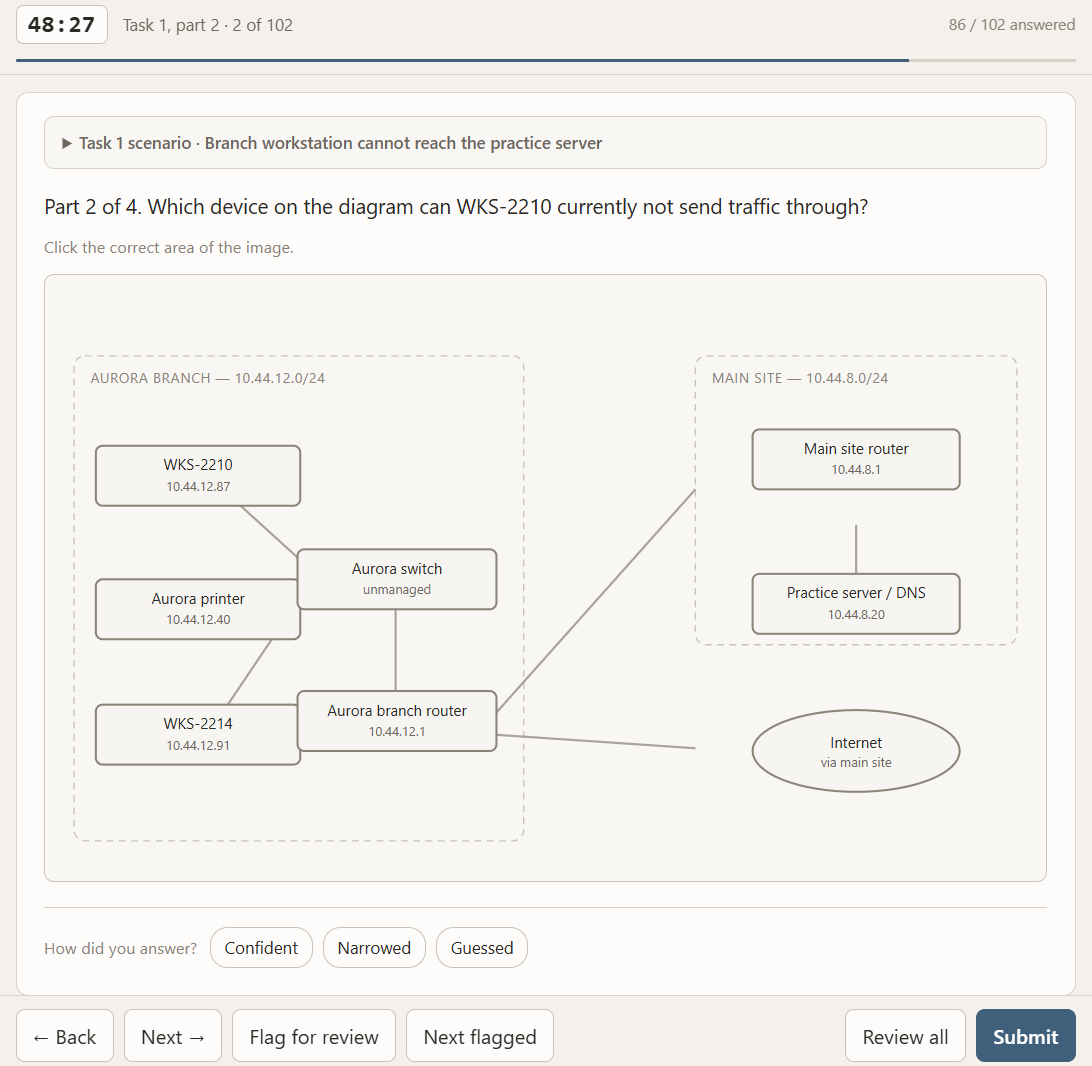
The first session opens with a wide sweep to decide what order to teach in. It asks one question for each main numbered objective, using that objective's hardest and most exam-relevant sub-item to stand in for the whole thing. If your objectives list has 60 main numbered objectives, that's a 60 question sweep, not one question per line item. Nothing is scored and you get no feedback, because ordering is the only purpose.
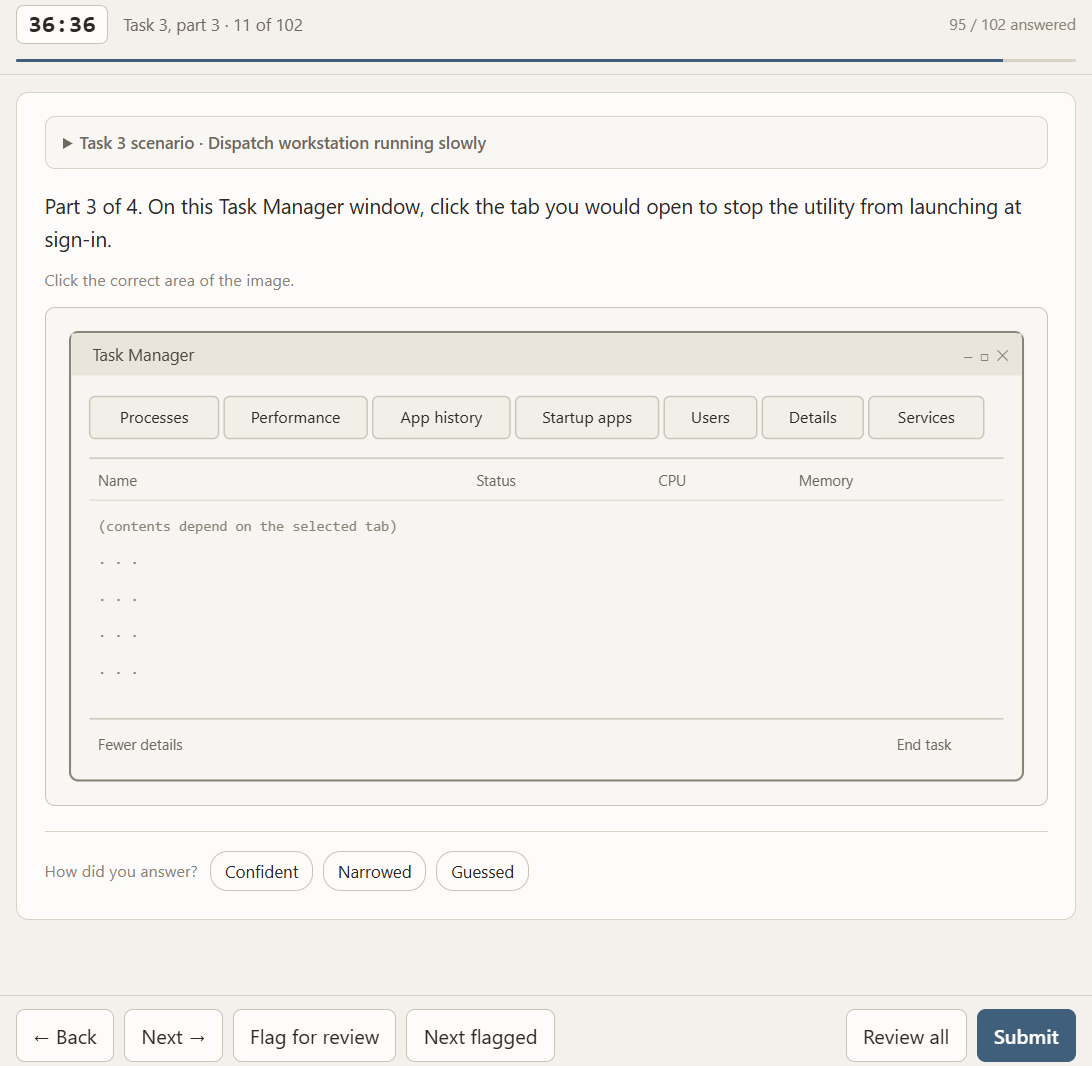
After the sweep, the tutor works one objective at a time: a cold entry test, a teaching pass over whatever you missed, then a closing test over the same ground. It drives the session itself. To skip ahead, slow down, revisit something, or ask for a hands-on lab, interrupt at any point and it follows you.
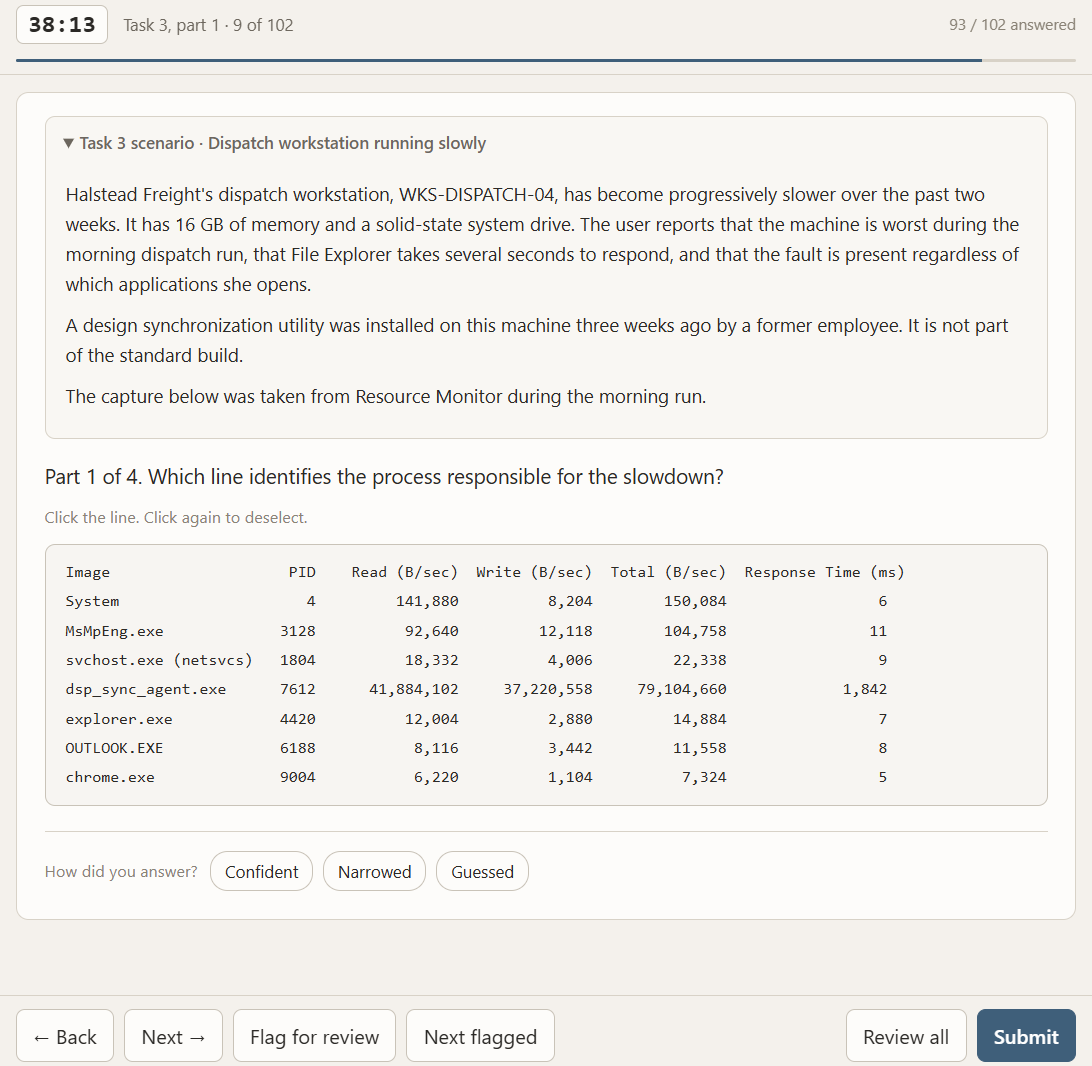
Verification is strict on purpose. Getting something right during a lesson doesn't count the same as answering a correct question in a verification test, because you just saw the material. An objective is marked verified only when you answer a fresh question later in the session, without help, and explain your reasoning. There's no partial credit. Yes this is intentionally much more strict than most exams.
To finish, type end session. The tutor produces two files: a JSON ledger holding the state of every objective, and a report of what happened. Save both. To pick up where you stopped, upload four files at the start of the next session: this prompt, your objectives list, the newest ledger, and the newest report.
A couple of notes:
- I regularly update these prompts during my study process any time the tools don't behave as intended or I just have a new idea I want to add in. I encourage you to try these out and send me your feedback so I can continue improving them. Just shoot me an email here: study@joelscharenberg.com
- I would recommend completing a first teaching pass through all the objectives in the cert you're studying for with the tutor prompt before starting practice exams. You can keep going with the tutor prompt as long as you like, as its objective is to get you to full mastery on each objective. Realistically you don't need to do this for most certifications though. The exam tool will tell you after your first few practice exams how confident it is in your preparedness without drawing a parallel to the real weighted scores in the actual exams, as it cannot do that. I took 6 practice exams using this tool in the week leading up to taking the CompTIA A+ Core 2 and scored 845 where a pass is a score of 700-900. I believe these tools prepared me adequately and I hope they can assist you with your studies as well.